
How it fits together
Hermes Agent’s compose file mounts ~/.hermes into the container at /opt/data and runs a dashboard service on 127.0.0.1:9119 with host networking. hermes dashboard is the same server as hermes serve, plus the web interface, so Herald connects to it directly.
herald-setup runs on the host. It writes the dashboard password into the mounted folder, then puts Tailscale Serve or its own Wi-Fi bridge in front of the container’s loopback port. Hermes never needs to listen beyond 127.0.0.1.
Requirements
- Docker
- Docker Engine on Linux, or Docker Desktop 4.34 or later with host networking turned on
- Hermes Agent
- A hermes-agent checkout with its
docker-compose.yml - Node.js
- 20 or newer on the host;
hermesitself isn’t needed there with--no-serve - Network
- Tailscale on the host and the phone, or the same Wi-Fi
- Ports
- Herald uses 9119; Hermes’ API server on 8642 isn’t needed
Start Hermes and pair Herald
- Start Hermes with Docker Compose
Run this in your hermes-agent checkout so files in
~/.hermesstay owned by you. On a first run, go through Hermes’ setup wizard as described in the Hermes Docker guide.HERMES_UID=$(id -u) HERMES_GID=$(id -g) docker compose up -d - Run herald-setup on the host
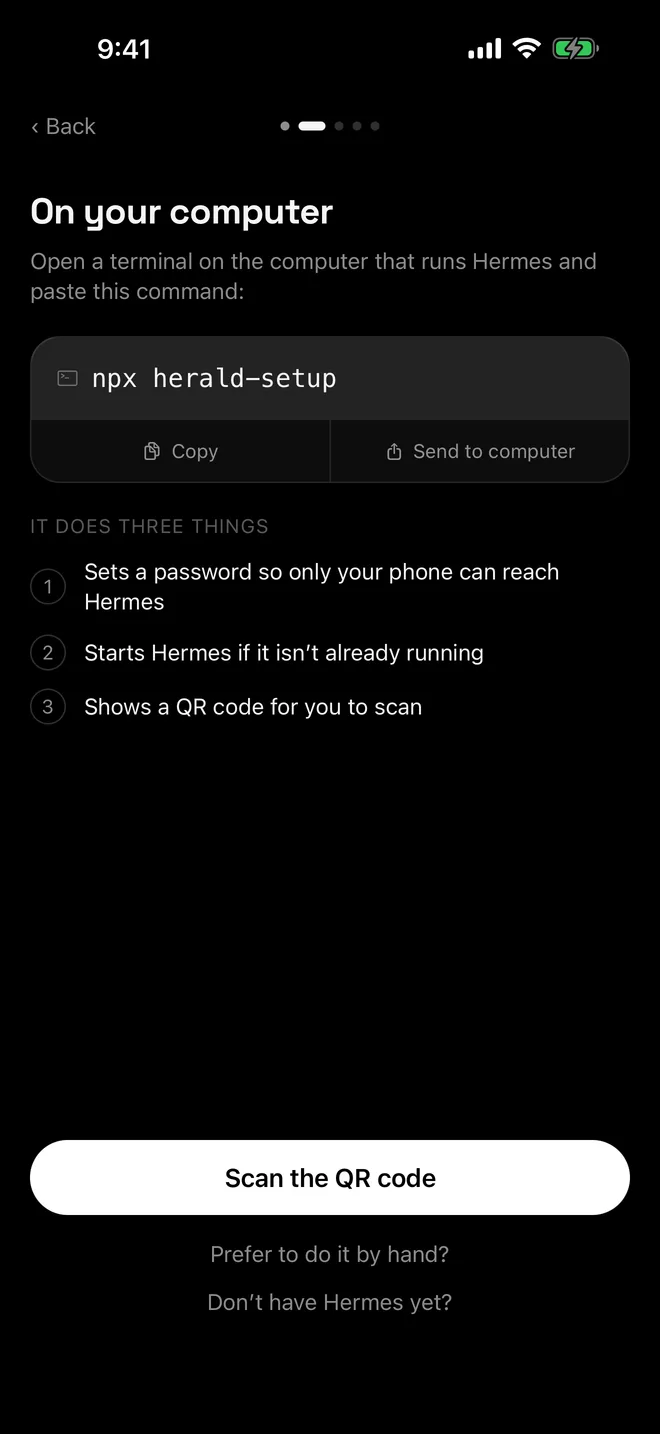
--no-servenever starts, stops or restarts Hermes, and works withouthermeson the host. It writes~/.hermes/config.yaml, publishes the port and prints the QR code.npx herald-setup --no-serve - Restart the dashboard when asked
When herald-setup says Hermes is running with the old settings, run this in another terminal so the dashboard loads the new password.
docker compose restart dashboard - Scan the QR code in Herald
With Tailscale, the helper can exit once the QR code is printed and the dashboard has restarted. On Wi-Fi, keep it running: it waits for the restart, then forwards your Wi-Fi address to the container’s
127.0.0.1:9119.
Using docker run instead
herald-setup’s Docker notes are written for the compose file. The image’s built-in dashboard, turned on with HERMES_DASHBOARD=1, binds 0.0.0.0 inside the container by default, and -p 9119:9119 then publishes it on every host interface.
Hermes documents HERMES_DASHBOARD_HOST=127.0.0.1 to keep that dashboard on loopback. Combine it with host networking (--network host) to get the compose file’s shape, and check that curl http://127.0.0.1:9119/api/health answers on the host before you pair. Herald’s docs don’t cover this variant.
Docker Desktop and other data folders
On Docker Desktop for Mac or Windows, host networking is opt-in: Settings › Resources › Network › Enable host networking, in version 4.34 or later. Hermes’ Docker guide also explains how it handles its SQLite database on folders shared across Docker Desktop’s virtual machine, so read that section if you mount ~/.hermes there.
If your container mounts a folder other than ~/.hermes, point the helper at it with HERMES_HOME=/path/to/data npx herald-setup --no-serve.
Troubleshooting
- Hermes is running with the old settings. Run
docker compose restart dashboard; herald-setup never restarts a container itself. - Hermes is already listening directly on your Wi-Fi address. The dashboard is bound to the LAN or
0.0.0.0. Put it back on--host 127.0.0.1and run herald-setup again. - The password is refused. See dashboard sign-in problems.
- Updating Hermes. Docker installs don’t support
hermes update; run a new image with the same data folder. - For connection problems, see Herald can’t connect.
Questions
Do I run herald-setup inside the container?
No. Run it on the host, where Tailscale is. It edits the ~/.hermes folder the container mounts and needs to reach the host’s 127.0.0.1:9119.
Why use --no-serve with Docker?
Without it, herald-setup tries to start or restart hermes serve on the host, which would miss the container or start a second Hermes. With it, the helper only configures Hermes and prints the QR code, and tells you when to restart the dashboard.
Does herald-setup have to keep running?
With Tailscale, no: Tailscale Serve forwards to the container once the dashboard has restarted. On the same Wi-Fi, yes: the helper’s bridge is what carries your phone’s connection.
Can I update Hermes with hermes update in Docker?
No. Hermes’ platform notes say Docker installs update by running a new image. Your configuration and sessions stay in the mounted data folder.

